Testing Image Lightbox Functionality

This is a test article specifically created to verify the image lightbox functionality. The lightbox should open when clicking on any inline image within the article content.
First Section: Basic Image Test#
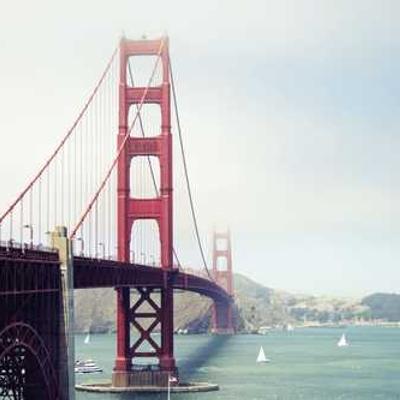
Here's a basic inline image that should trigger the lightbox when clicked:
 Figure 1: A beautiful landscape with abstract colors demonstrating the lightbox functionality
The lightbox should display this image in a larger view with proper caption.
Second Section: Portrait Image#
Testing with a portrait-oriented image to ensure the lightbox handles different aspect ratios correctly:
 Figure 2: Portrait images are properly centered and scaled in the lightbox
The lightbox should properly scale and center portrait images within the viewport.
Third Section: Wide Image#
Here's a panoramic/wide image to test horizontal aspect ratios:
 Figure 3: Wide images maintain their aspect ratio while fitting the viewport
Expected Lightbox Behavior#
When clicking any image above, the following should occur:
- Opening Animation: Smooth fade-in of the lightbox backdrop and image
- Caption Display: Alt text should appear as a caption below the image
- Close Button: A visible close button (X) in the upper right
- Backdrop Click: Clicking outside the image should close the lightbox
- Keyboard Support: Pressing Escape should close the lightbox
- Focus Management: Focus should be trapped within the lightbox when open
Accessibility Considerations#
The lightbox implementation should:
- Use native
<dialog>element for proper accessibility - Support keyboard navigation (Tab, Escape)
- Announce state changes to screen readers
- Prevent background scrolling when open
- Return focus to the triggering element on close
Technical Implementation#
The lightbox uses:
useLightboxcomposable for state management- Native
<dialog>element withshowModal()API - Event delegation on the article content area
- CSS animations for smooth transitions